
Service
Custom web applications your team and customers will actually use
Portals, dashboards and internal tools designed around how work really happens. Scope in writing, working software every week, source code yours.
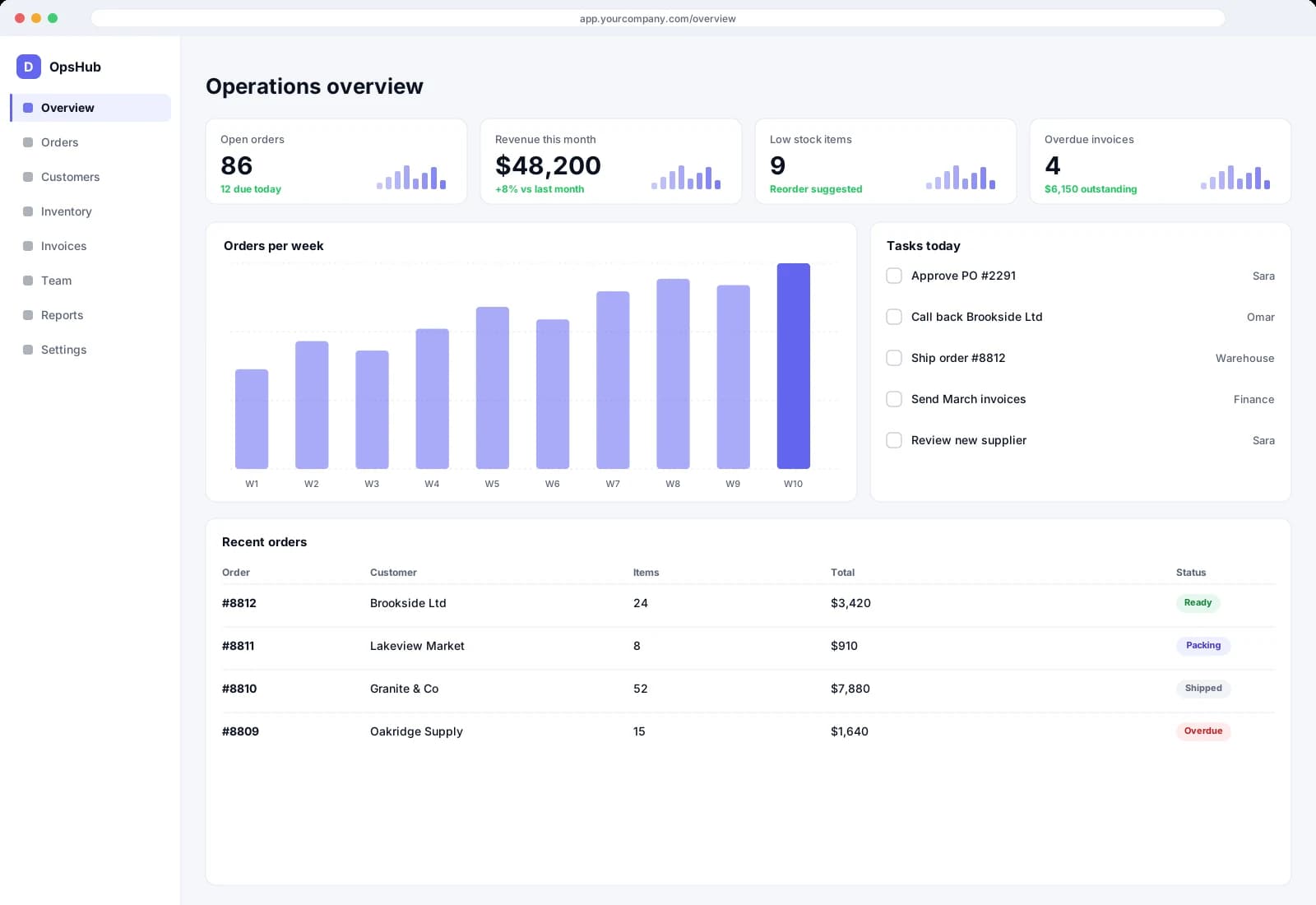
Most operational businesses run on a patchwork: a master spreadsheet, a shared inbox, a SaaS tool configured past its limits and a person who remembers how it all fits together. It works until that person is away, a customer asks where their order is, or the numbers in two places disagree. A custom web application replaces the patchwork with one place where the work is recorded and the right people see the right slice.
We start by mapping the real workflow, including the unofficial steps staff invented to cope. Then we design the screens, roles and rules around it. Staff who live in the tool all day get dense, fast views. Customers and partners get simple, self-service ones. Both sit on one API, one database and one permission model.
We build with Next.js, React, Node.js and PostgreSQL by default because that combination is productive, well supported and easy to hand to another engineer. If you have an existing stack or hosting constraint, we work with it. Either way the repository, deployment scripts and documentation are yours from day one.
The problems
What usually goes wrong
The spreadsheet that runs the business
One person's file is the real system of record. It breaks on concurrent edits, hides errors and cannot show customers anything safely.
Customers calling for status
Every “where is my order” call is work your team repeats because there is no portal that already holds the answer.
Tools that do not talk to each other
Data is re-keyed between CRM, billing and operations, so errors multiply and reports disagree depending on who builds them.
Everyone sees everything, or nothing
Without proper roles and audit trails, you either lock people out of what they need or expose what they should not see.
What you get
Deliverables
Role-based web application
Sign-in, permissions and screens for each type of user, from administrators to external customers.
Workflow and data model
The core records, statuses and rules of your operation encoded once, so reports and screens agree.
API and integrations
A documented API plus connectors to the systems you already pay for, with failures logged and visible.
Dashboards and exports
Saved views, filters and CSV or PDF exports built from the same data staff use daily.
Audit trail and admin console
Who changed what and when, plus the tools your administrators need to manage users without asking an engineer.
Deployment and handover
A production environment, environment templates, runbook and a stabilization window after launch.
How it works
Step by step
01
Map the workflow
We sit with the people who use the current process and document each step, handoff and workaround before designing anything.
02
Write the scope
Roles, screens, rules, integrations and non-goals go into a document you approve. A price and milestones come with it.
03
Design the core flows
We prototype the paths staff use most so you can react to something concrete before engineering starts in earnest.
04
Build in weekly increments
Each week you get a demo of working features running on real data structures, with feedback folded into the next cycle.
05
Launch and train
We migrate the data you need, cut over on an agreed date, train the team and monitor closely through the first weeks.
06
Stabilize and support
A stabilization window follows go-live for defects against the agreed scope. After that you can continue with a retainer, start a new project or hand the code to your own team using our documentation.
Timeline
How long it typically takes
A focused internal tool or portal commonly takes six to twelve weeks from approved scope. Larger applications with many roles, integrations or data migration more often take three to six months, sometimes staged into releases. Third-party access, data quality and how quickly decisions are made on your side have the biggest effect on these ranges.
Who it's for
- Operations teams whose core process still lives in spreadsheets and chat threads
- Businesses that want a client or partner portal to cut status calls
- Product owners who need a real, maintainable web product rather than a prototype
Who it's not for
- Simple brochure sites, which our website development service handles better
- Teams whose workflow is not yet defined and needs discovery first
- Buyers looking for a no-code build they plan to maintain themselves
Keep exploring
Related pages
FAQ
Frequently asked questions
Can the app work with our existing database or systems?
Often, yes. We review what you have during scoping and decide whether to integrate, migrate or replace each piece. The choice and its trade-offs go into the written scope.
Will it be mobile-friendly?
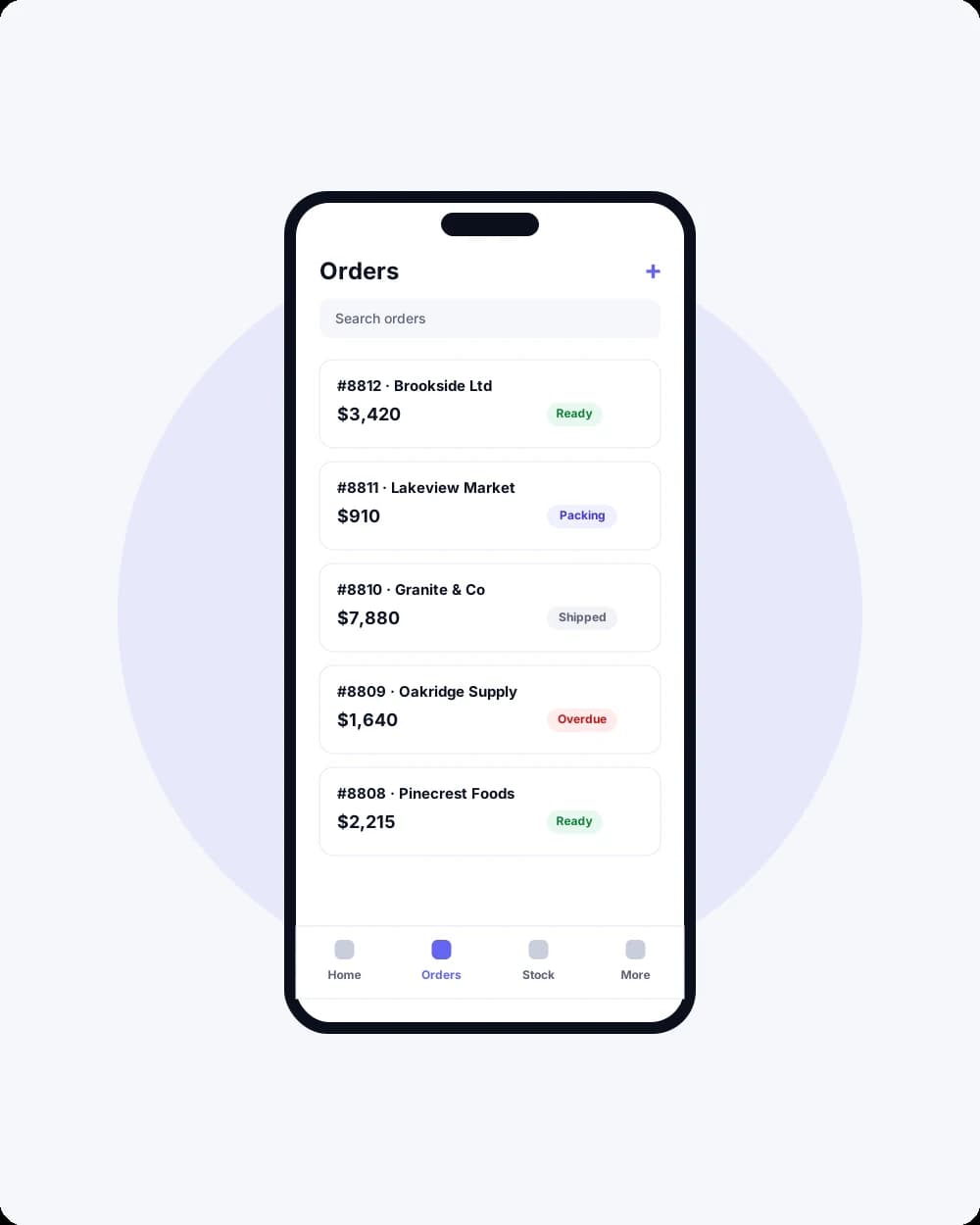
Yes. Screens are built to work on phones and tablets as well as desktops. If your field team needs camera, offline or push features, a dedicated mobile app may be the better fit.
Who hosts it?
Wherever you choose. We commonly deploy to your own AWS account so ownership is clear, and we document everything required to move or operate it.
Can you work with our designer?
Yes. We can implement from your designer's files or design the interface ourselves after the scope is approved.
What about security and user data?
We build in role-based access, encrypted secrets and audit logging where the scope calls for them, and we handle customer-supplied URLs and uploads with explicit safeguards. Details are written into the scope.
Can the application become a SaaS product later?
Often, yes, if multi-tenancy is planned. We ask during scoping whether you may sell it to others one day, because tenancy and billing are far cheaper to design in than to retrofit.
Next step
Tell us what you want to build
A short call, then a written scope in plain language before any build starts.
- Fixed scope
- Weekly demos
- You own the code